Concepts
One ball, two moments: left, then right. Codimate makes the movement between them. Here are the main ideas, using that same ball each time.
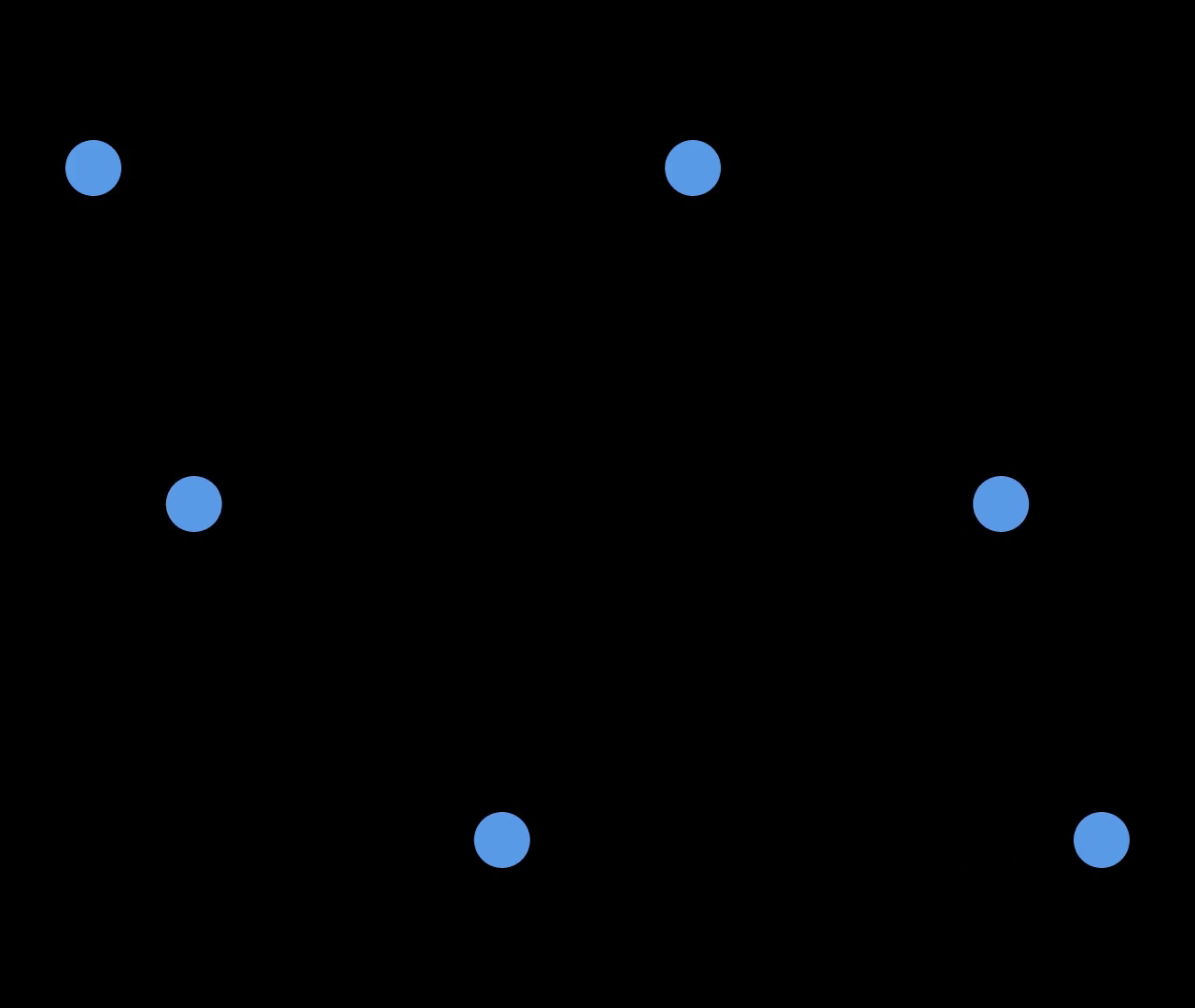
State: the data now
State is the information your program works with. Our ball only needs an x position:
@dataclass
class Ball:
    x: float = 100
Write the state as a dataclass. You read it as ball.x, a misspelled field is an
error instead of a silent new key, and every field and its starting value is in one
place. A plain dict works too, for a quick sketch.
Algorithm: what changes
An algorithm is your Python logic. Ours changes the ball's position:
ball.x = 540
Codimate does not decide where a ball should go or calculate your physics. Your code does that.
Event: a moment worth saving
Call emit() after a change you want to show:
ball.x = 540
emit("moved")
emit is given to your algorithm as an argument. An event name such as "moved"
says what happened; it does not identify a shape.
Trace: the saved moments
A trace holds the starting data and a copy saved at each event:
trace = cm.trace(move, Ball())
For our ball, the trace saves x=100 → x=540. move is the function from the
tutorial. It runs once, rather than once for each video frame.
Frame: a saved moment handed to your view
Read its state to find where the ball belongs:
x = frame.state.x
A Frame here is a saved moment from the trace, not every image in the exported
video. The opening moment has no event: frame.event is None.
View: how to draw a moment
The view is a function that turns saved data into a picture:
def view(frame):
    scene = cm.Scene()
    scene.circle("ball", r=30, at=(frame.state.x, 180)).fill("blue")
    return scene
The same saved data should always give the same picture. Update the model in your algorithm; read it in the view.
Scene: the picture
A scene contains the shapes for one moment:
scene = cm.Scene()
scene.circle("ball", r=30, at=(100, 180)).fill("blue")
You can put circles, rectangles, text, formulas, images, and more in a scene.
Names: how Codimate recognizes things
Use "ball" in both pictures to say it is the same ball:
scene.circle("ball", r=30, at=(x, 180))
Same name + different position = movement. A different name means a different thing, so it fades in or out instead. Each complete shape name must be unique in a scene.
Items: separate things with their own names
Two balls can have the same value and still be different balls:
balls = cm.items([30, 30])
Each item has a .value and a different .id. Use the ID as its shape name
when the item should travel. Fixed chart bars can use category names instead.
Groups: parts that belong together
A group lets a ball and its label travel together:
ball = scene.group("ball", at=(x, 180))
ball.circle("body", r=30).fill("blue")
ball.text("label", "A", size=24)
Inside the group, (0, 0) means the group's point. Its shapes have complete
names such as ball/body and ball/label.
Slots: places to put things
A slot gives an object a place on the screen. It does not draw a shape:
for slot, name in cm.row(("A", "B"), gap=80, size=100):
    scene.group(name, slot).circle("body", r=30).fill("blue")
Think of two empty seats: the slots are the seats; the balls are what sits there.
Motion: which path to take
Motion chooses how a shape travels between its saved positions:
motion = [cm.Rule("*", position="linear")]
linear keeps the movement steady. The default straight slows down at the
start and end. A rule only changes the path; the saved positions decide where to go.
Timing: how long it takes
Timing sets seconds in the video:
timing = cm.Timing(default=2.0)
Our ball's move takes two seconds. Python still runs the algorithm normally; it does not wait two seconds while recording the trace.
Explanation: put it all together
An explanation connects the trace, view, motion, and timing:
explanation = cm.explain(trace=trace, view=view, timing=timing)
The examples above are small pieces of the complete tutorial program, not separate scripts.
Render: make the video
Rendering draws the in-between pictures and writes the file:
explanation.render("ball.mp4")
You choose what changes. Codimate handles the pictures between your moments.